

WordPress
Publish articles to WordPress automatically with the RapidWombat plugin and an integration key.
Connect WordPress once and every new article publishes to your site as a native post — no exports, no copy-paste.
Set it up
Start the wizard
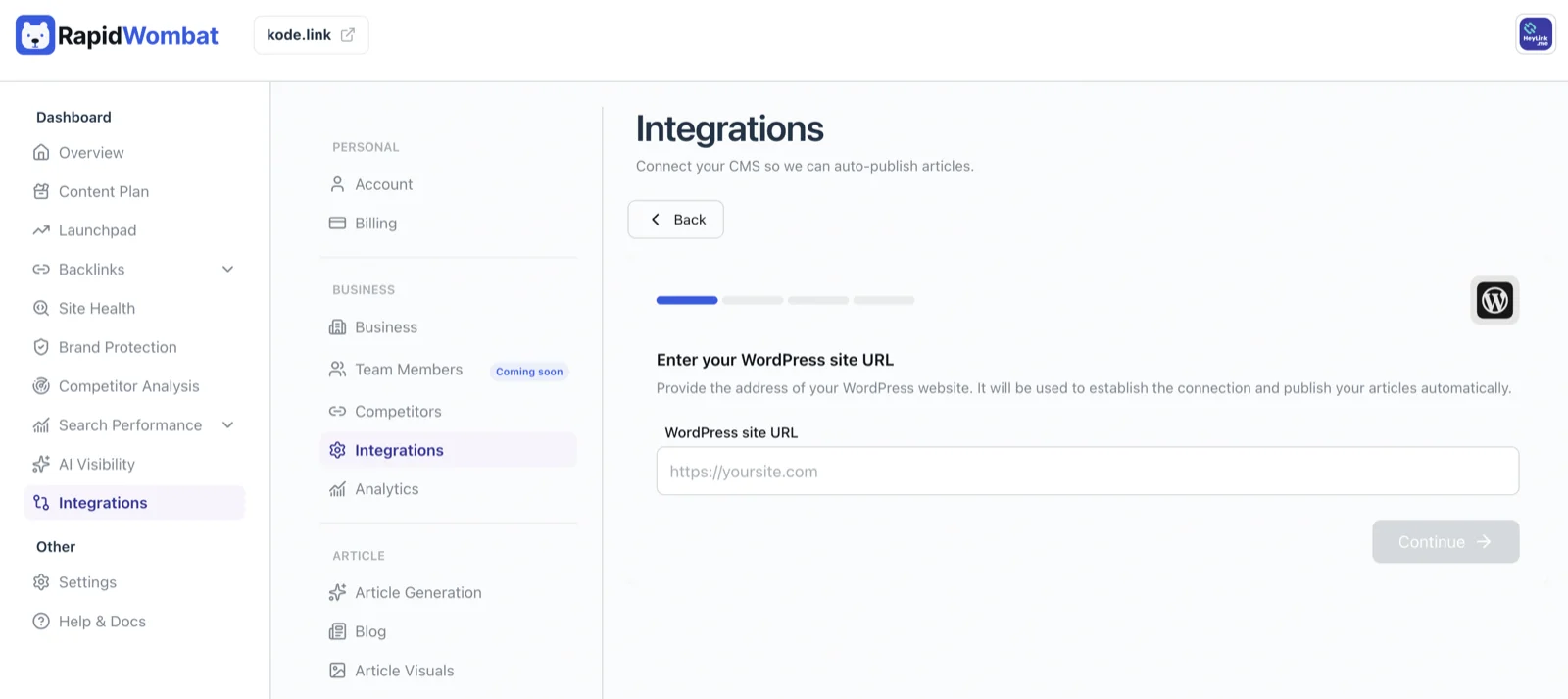
In Settings → Integrations, click Connect on the WordPress card and enter your WordPress site URL.
Install the RapidWombat plugin
Download the plugin from the link in the wizard, then upload and activate it in your WordPress admin (Plugins → Add New → Upload Plugin).
Paste your integration key
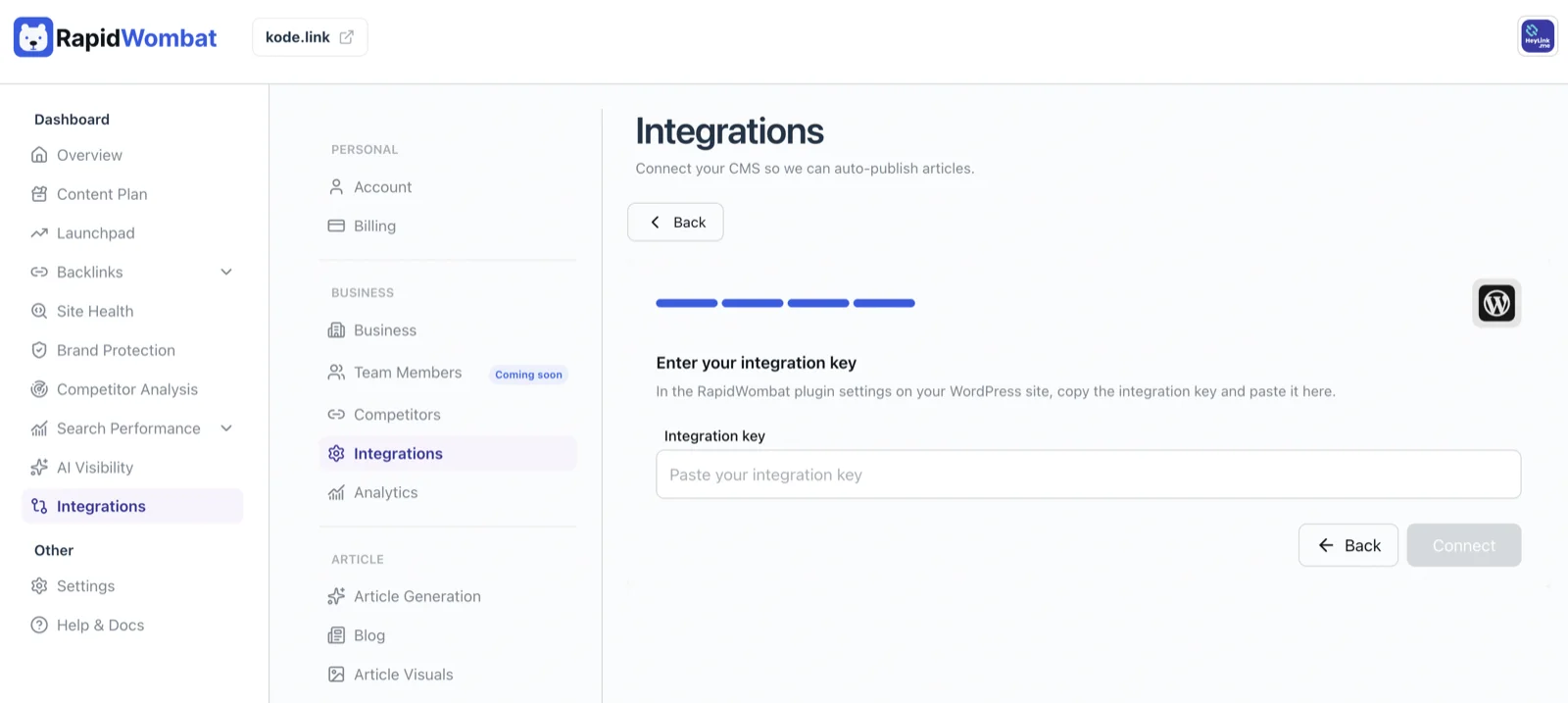
Open the RapidWombat plugin's settings in WordPress, copy the Integration key, and paste it into the wizard.
Connect
Click Connect. The card now shows Connected, and articles publish to WordPress automatically from here on.
Managing the connection
Use Edit on the WordPress card to update details, or Delete to disconnect. Deleting stops future publishing — posts already on your site stay put.