

Integrations
Wix
Auto-publish articles to your Wix blog using your Site ID and a Wix API key — set up in minutes.
Connect Wix once and every new article publishes to your Wix blog automatically.
Set it up
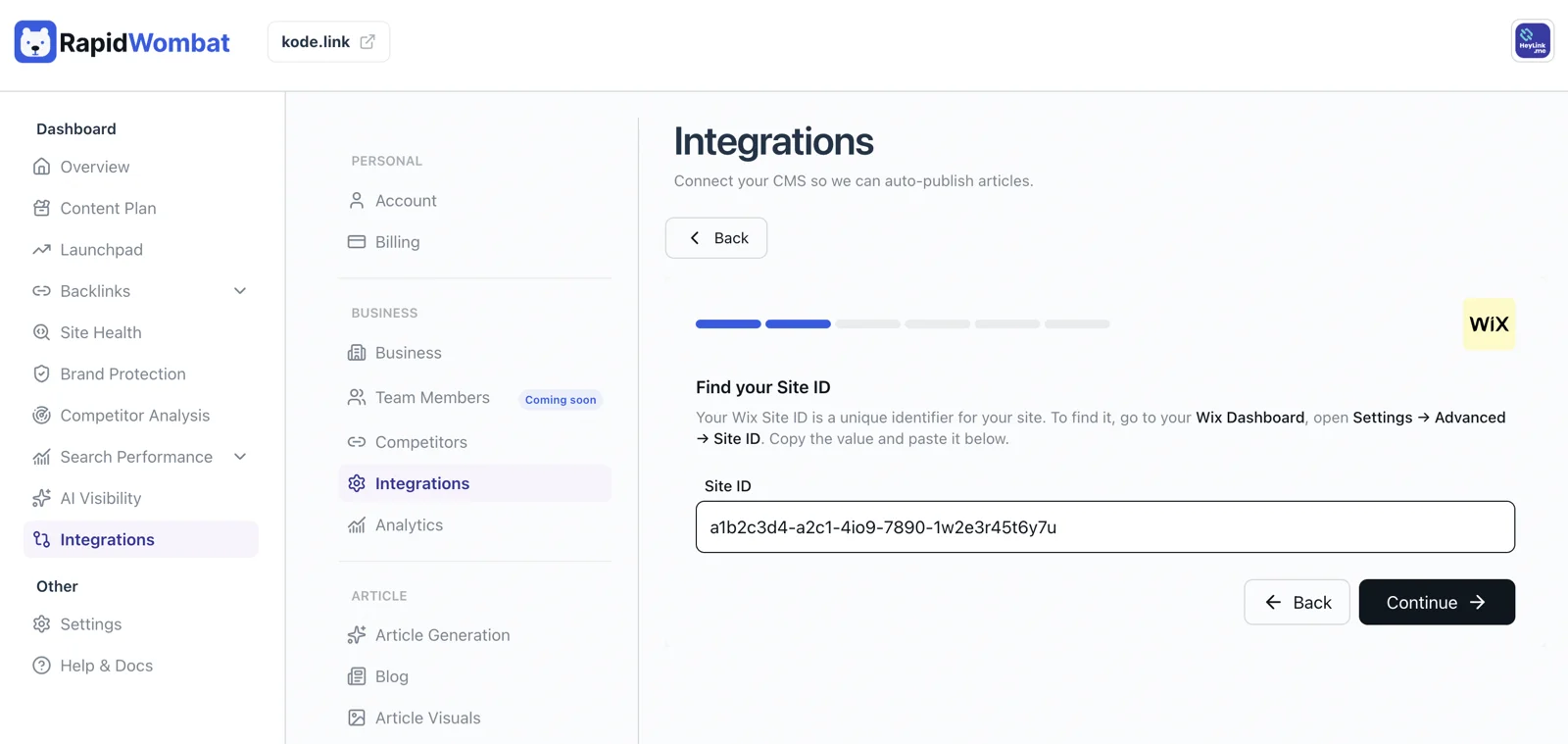
Generate an API key
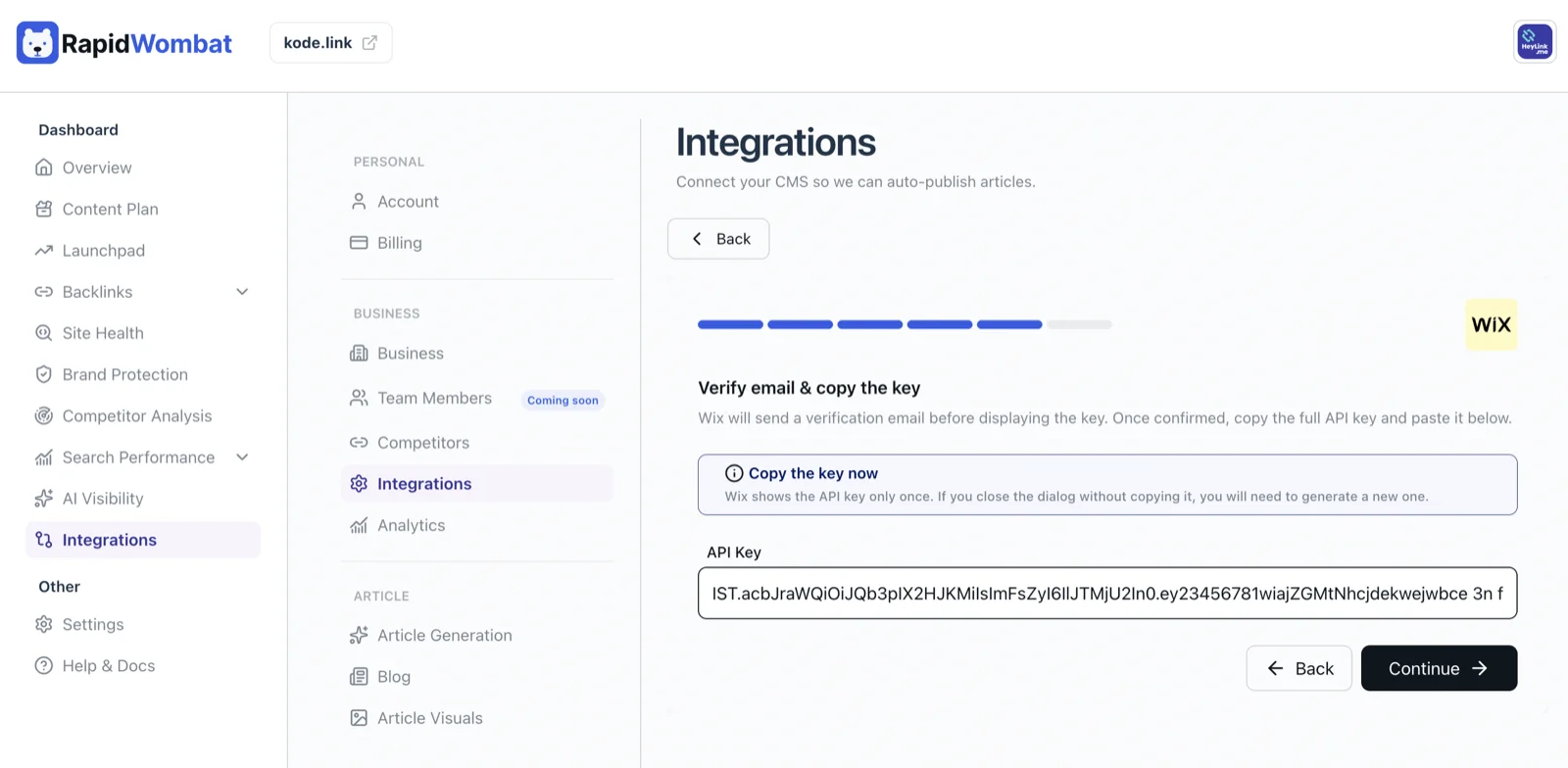
In the Wix Dev Dashboard, open API Keys, grant the key blog permissions, and generate it. Copy the key right away — Wix shows it only once.
Connect in RapidWombat
In Settings → Integrations, click Connect on the Wix card, paste the Site ID and API Key, choose live or draft publishing, and click Connect.
Managing the connection
Use Edit on the Wix card to rotate the key, or Delete to disconnect. Posts already on your blog stay put.