

Integrations
Webflow
Auto-publish articles straight into a Webflow CMS collection with a site API token.
Connect Webflow once and new articles land in the CMS collection you choose — ready to serve from your existing blog templates.
Set it up
Create an API token in Webflow
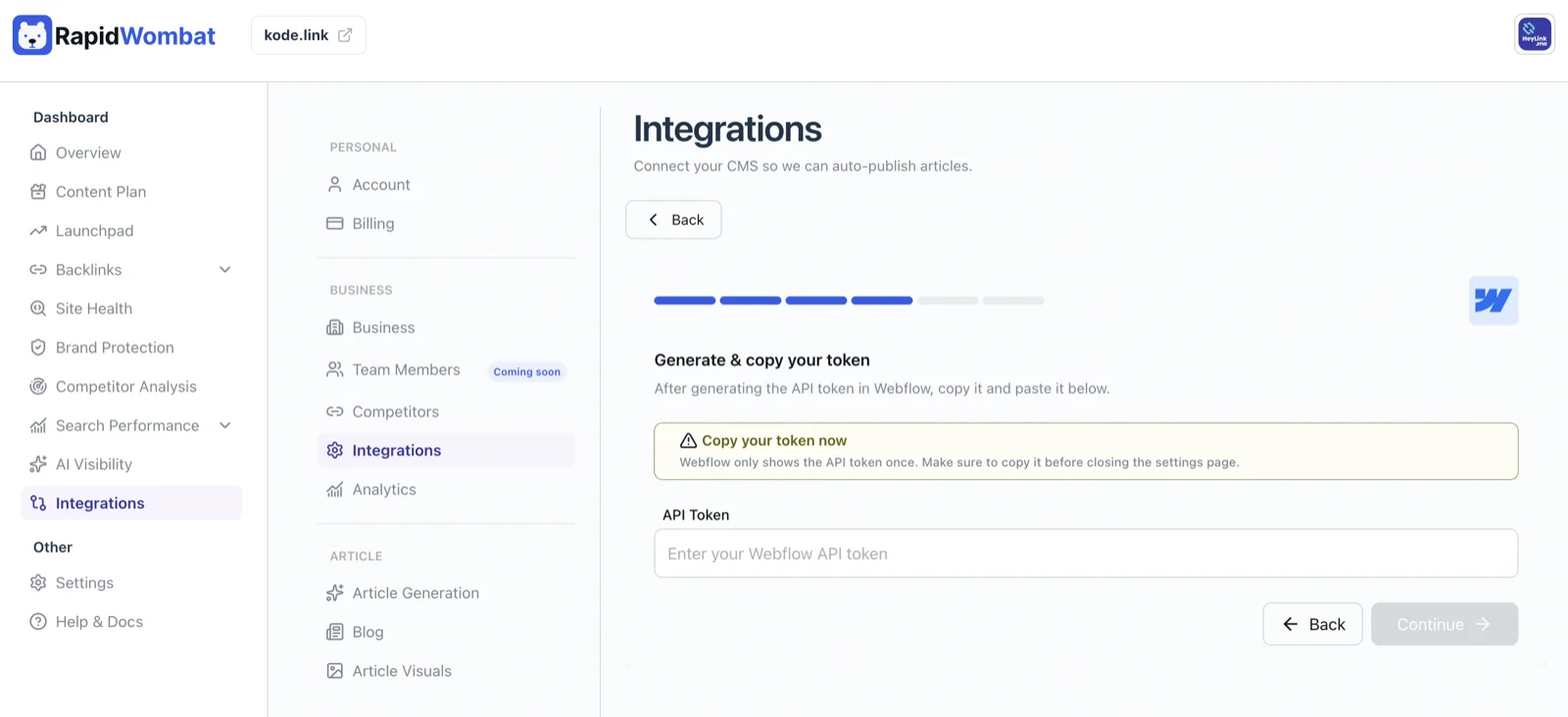
Log in to Webflow, open Account Settings → Tokens, create an API token, and copy it.
Paste the token in RapidWombat
In Settings → Integrations, click Connect on the Webflow card and paste your API token. RapidWombat fetches your sites and collections automatically.
Choose a collection
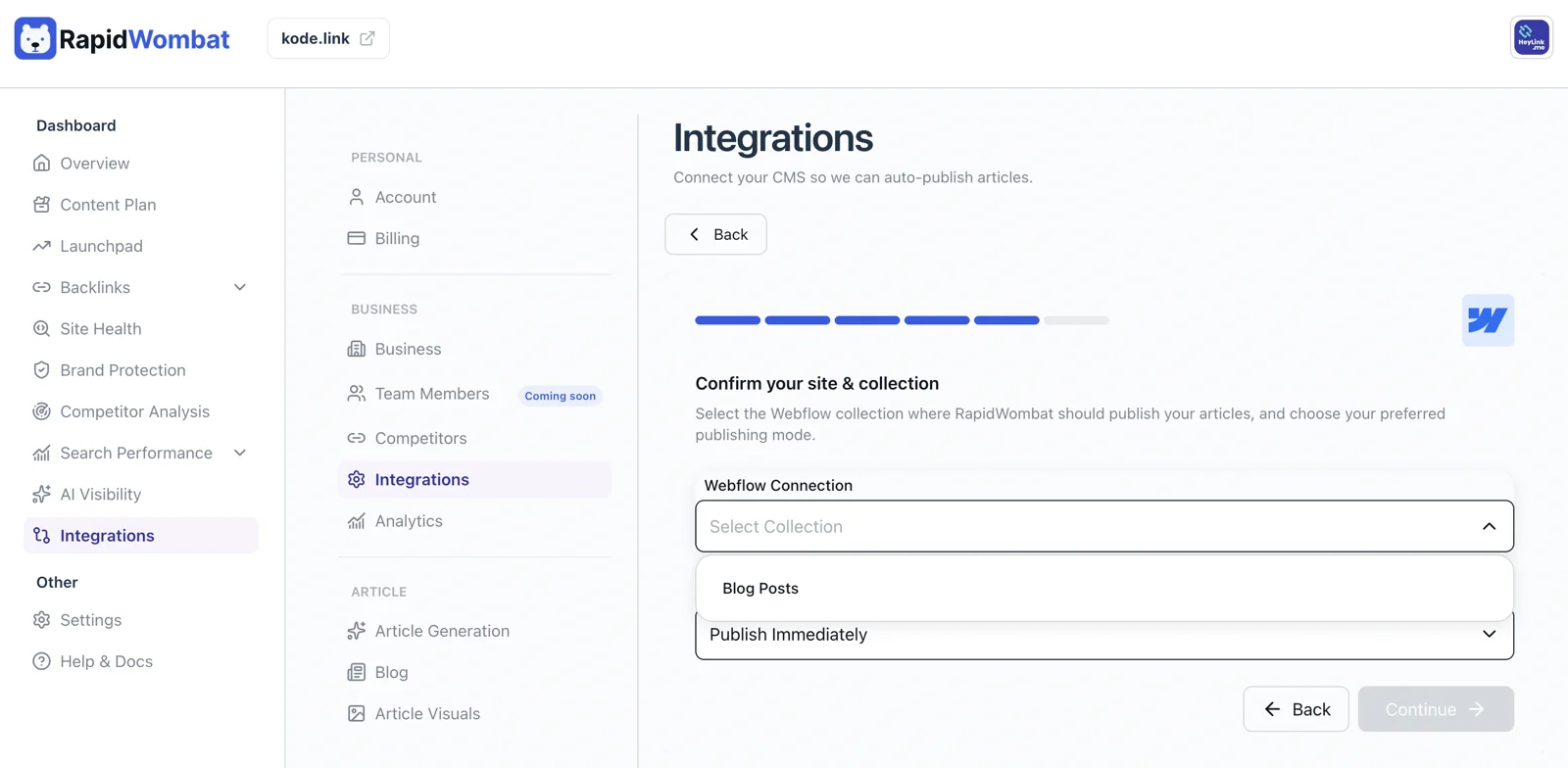
Select the CMS Collection articles should publish into, choose live or draft publishing, and click Connect.
Managing the connection
Use Edit on the Webflow card to switch collections or rotate the token, or Delete to disconnect. Items already in your CMS stay put.