

Integrations
Webhooks
Get a POST to your endpoint the moment an article publishes, with the full article payload.
Webhooks push each article to you the moment it publishes — no polling. Point RapidWombat at any HTTPS endpoint that accepts POST requests: your own backend, or an automation tool like Zapier or Make.
Set it up
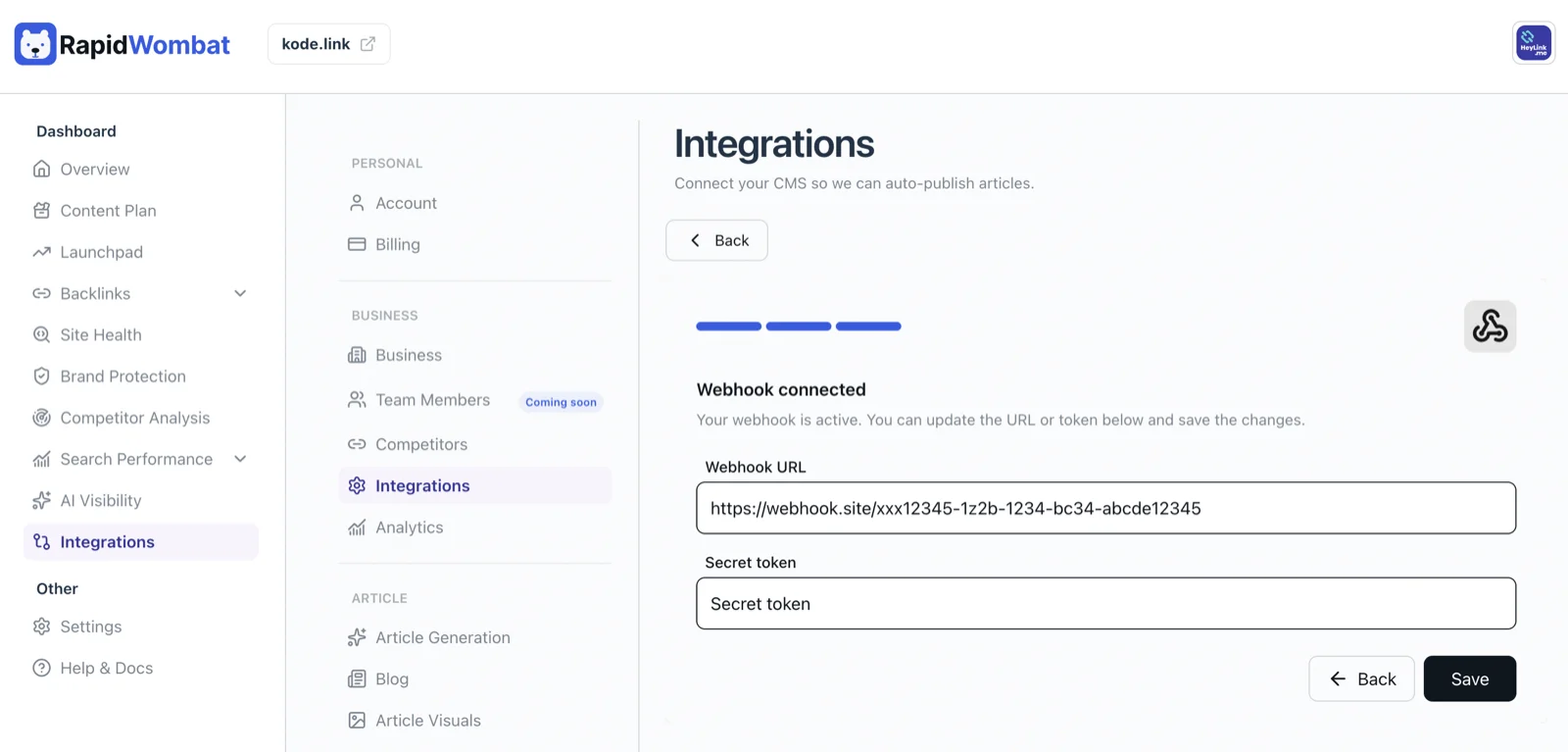
- In Settings → Integrations, click Connect on the Webhook card.
- Enter your Webhook URL.
- Enter a Secret token — any string you choose. RapidWombat sends it back with every delivery so you can verify the request really came from us.
- Click Connect. Each project supports one webhook.
What you receive
When an article publishes, RapidWombat sends a POST request to your URL with your token in the Authorization: Bearer <token> header and a JSON body:
| Field | What it is |
|---|---|
id | The article's unique ID |
title | The article title |
content | The full article body, in Markdown |
cover_image | The article's hero image |
Prefer pull over push? The REST API lets you fetch articles on your own schedule.