

Integrations
Shopify
Auto-publish articles to your Shopify blog with a custom app's Client ID and Client Secret.
Connect your Shopify store once and every new article publishes straight to the blog you choose.
Set it up
Start the wizard
In Settings → Integrations, click Connect on the Shopify card and enter your store name (it looks like my-store.myshopify.com).
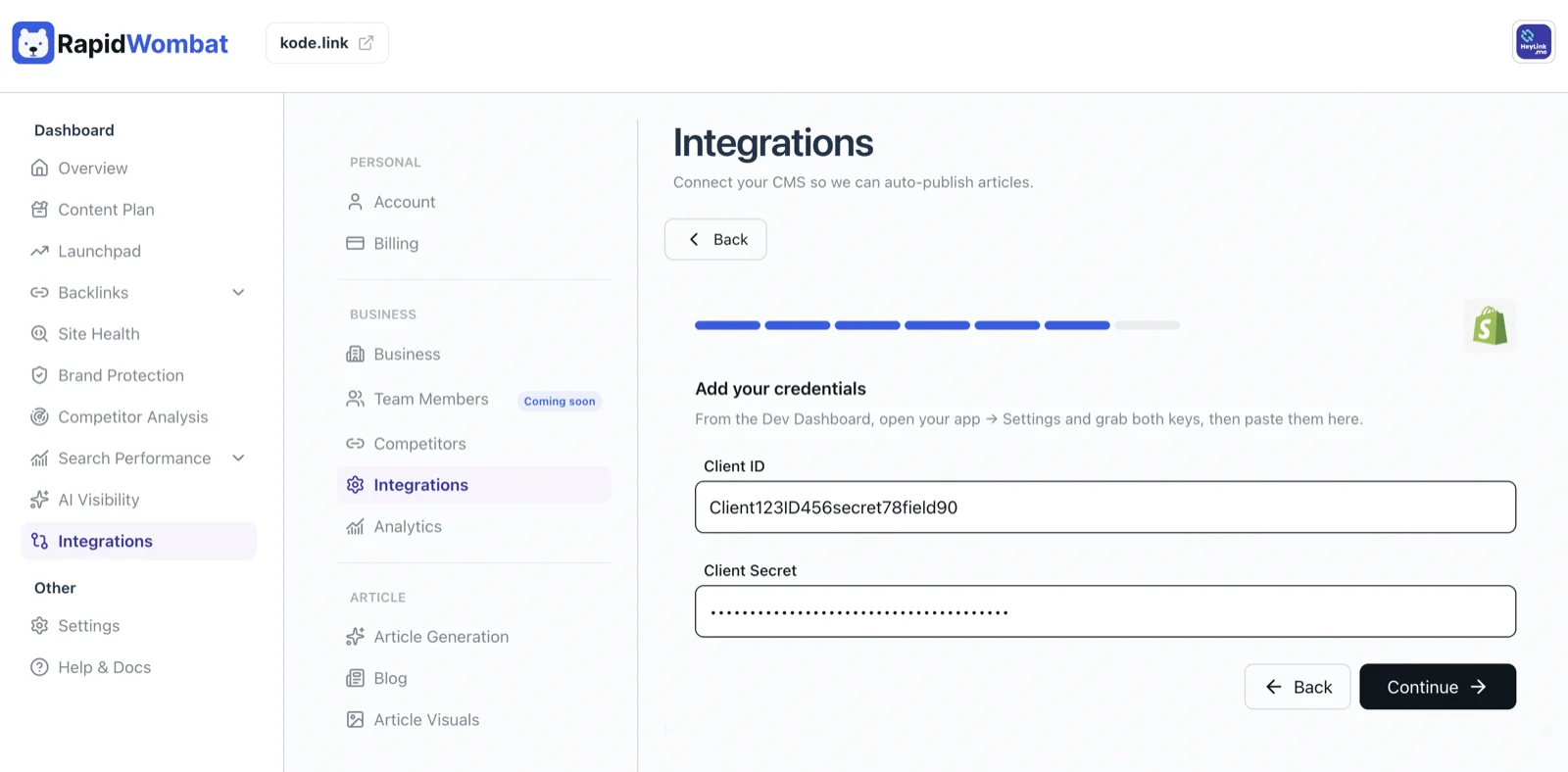
Create a Shopify app
In the Shopify Dev Dashboard, create a new app for your store, give it the read_blogs and write_blogs permissions, and install it on your store.
Pick a blog and publish style
RapidWombat lists your store's blogs — select the target blog, set the Author name, choose whether articles go live or save as drafts, and click Connect.
Managing the connection
Use Edit on the Shopify card to change the blog or credentials, or Delete to disconnect. Published posts stay in your store.