

Quick Start
Create your free account, set up your project in five short steps, and start growing today.
Signing up is free and takes about 10 minutes: create an account, walk through a five-step setup wizard, and choose the free workspace or a Pro trial at the end. On Pro, your first article publishes within 24 hours.
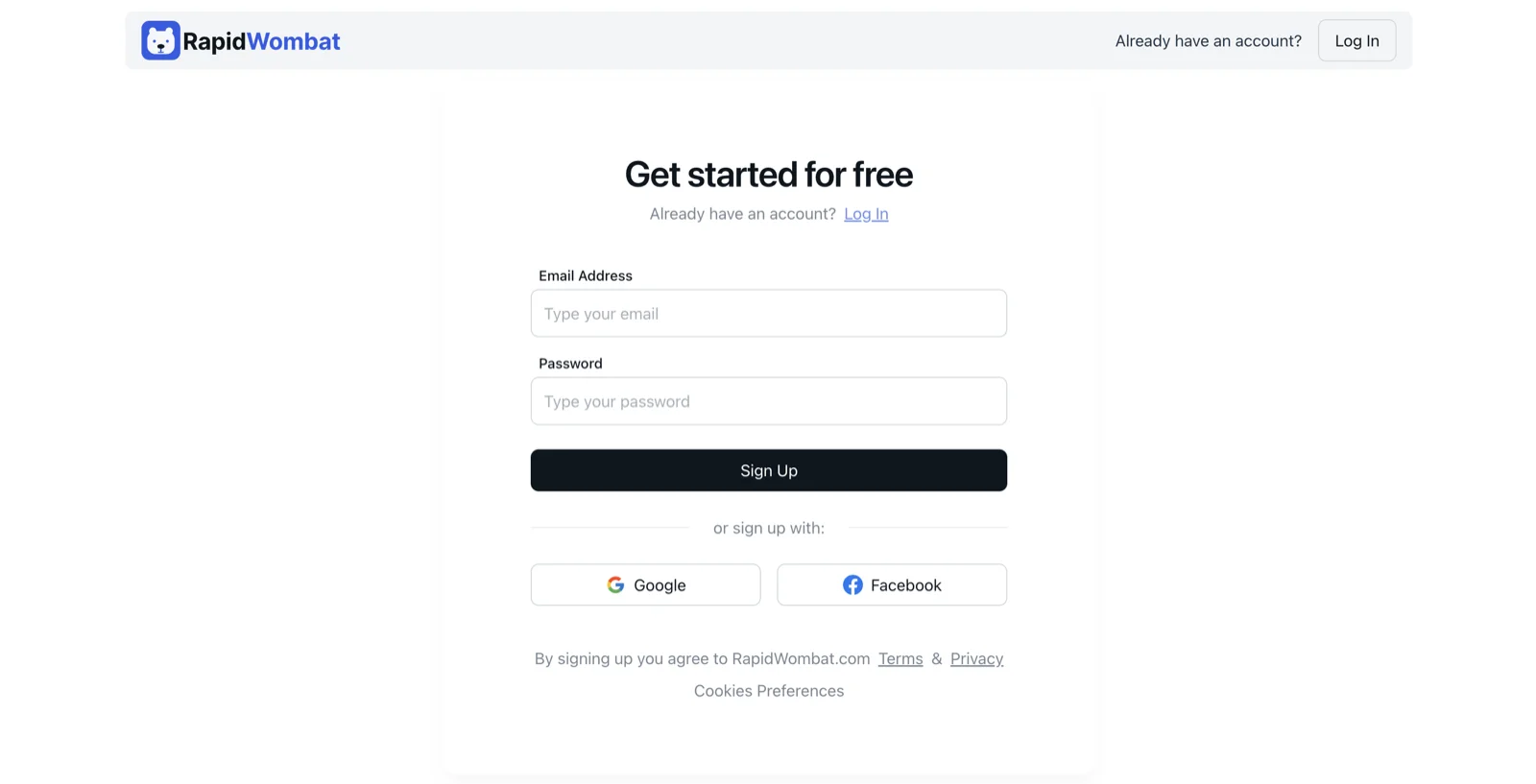
Create your account
Sign up with your email and a password, or continue with Google or Facebook. Email signups get a verification link — open the email, click the link, and return to your tab; setup continues automatically.
Set up your project
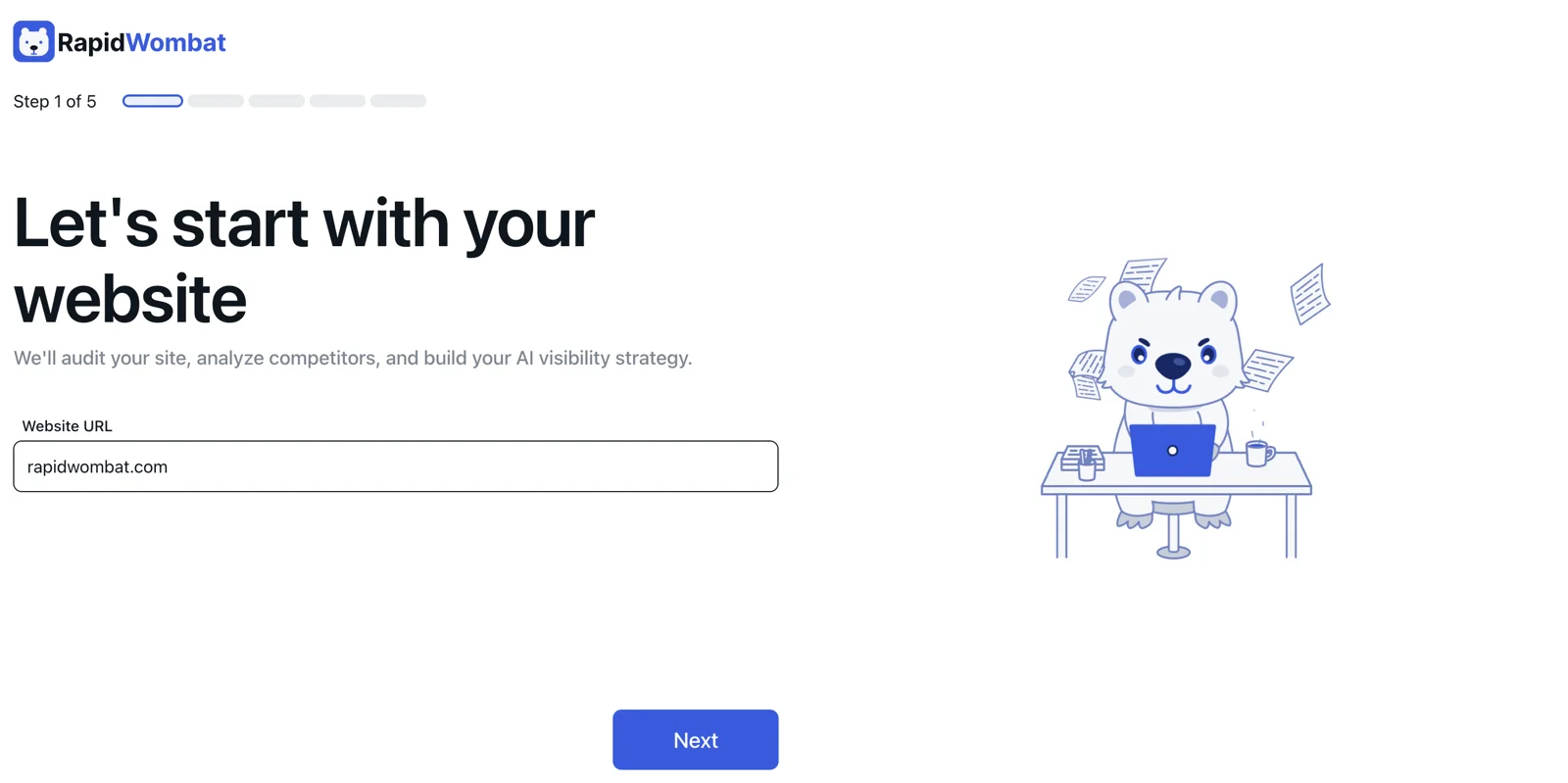
Enter your website URL
Paste your homepage URL — for example mysite.com. RapidWombat starts scanning the site right away so the next steps come pre-filled.
Pick your language
Choose the language for your articles. RapidWombat supports 38 languages, and you'll see an estimated reach for the one you pick.
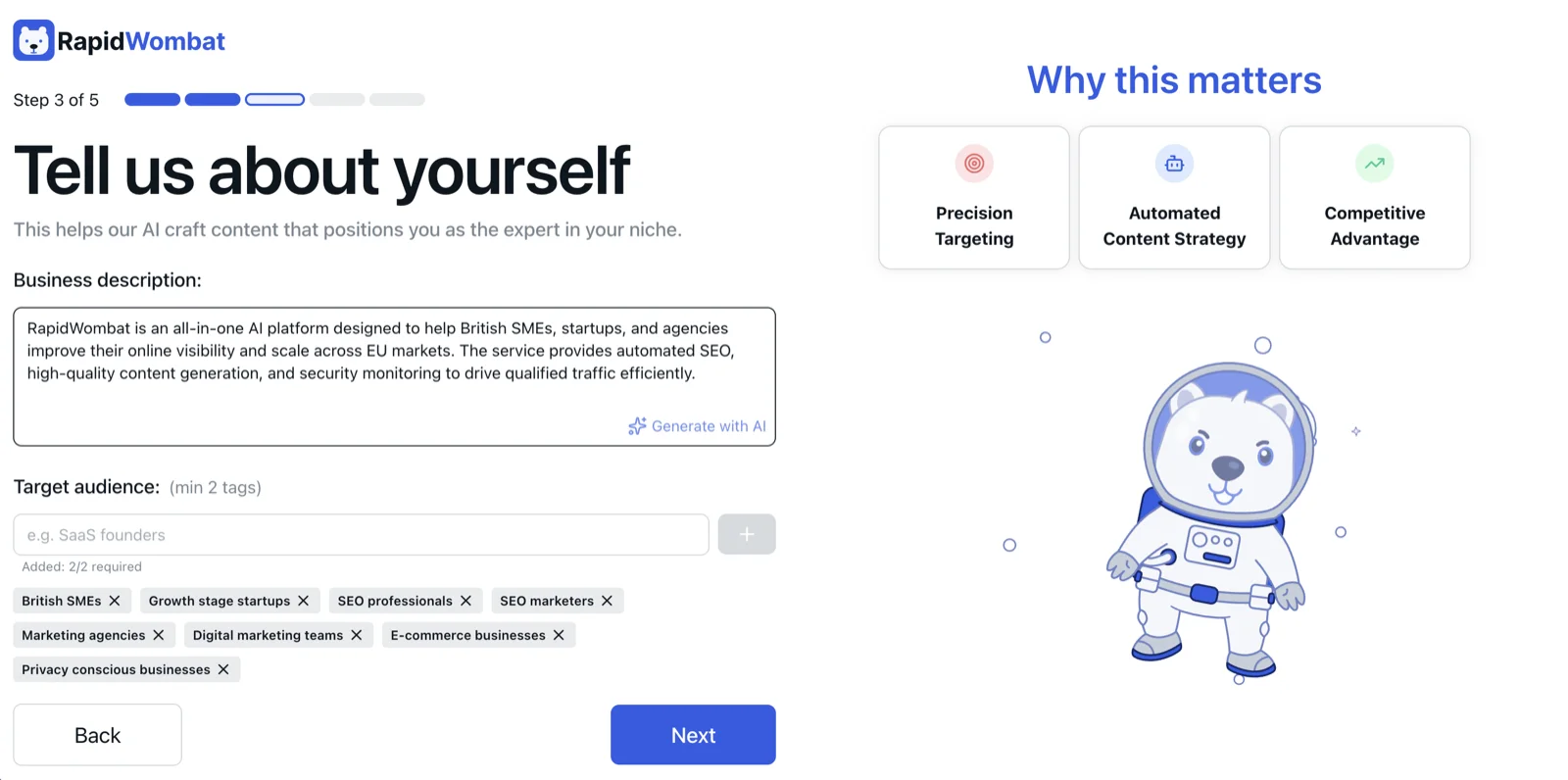
Confirm your business and audience
We pre-fill your business description from your homepage. Review it, fix anything that's off, and add at least two target audiences (for example: "small business owners", "freelance designers") — this drives the quality of every article.
Add competitors (optional)
List up to 3 competitor domains for content-gap analysis. You can add or change them later in Settings → Competitors.
Set branding details (optional)
Pick your brand color and paste an article URL whose tone you like. Both can be changed later in Settings → Article Visuals.
Choose your plan
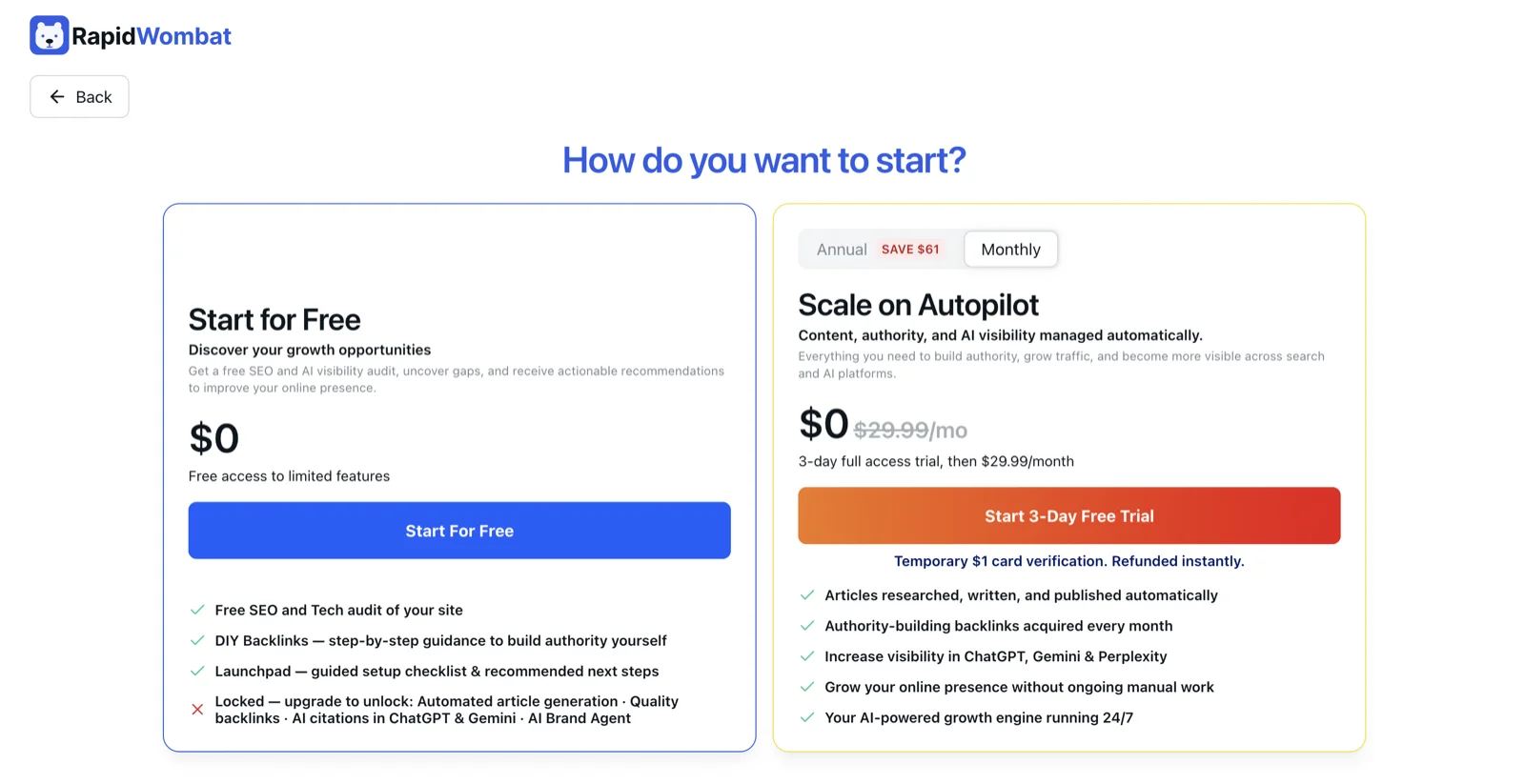
At the end of setup you pick how to start:
- Free — your workspace opens immediately with the Launchpad, DIY Backlinks, and all settings. No card needed.
- Pro — a 3-day full-access trial, then $29.99/month. Unlocks the content engine, managed backlinks, site audits, and analytics. See what's in each plan.
If you choose Pro, RapidWombat builds your content plan and runs your first site audit in the background — usually ready within 15–20 minutes, with your first article live within 24 hours.
While you wait
- Work through the Launchpad checklist — free on every plan.
- Review your profile in Settings → Business.
- Tune article defaults in Settings → Article Generation.
- Connect Google Search Console so performance data is ready when articles land.
Need help?
Email [email protected] — we respond fast.