

Analytics
Connect Google Search Console and Google Analytics to power your search and traffic dashboards.
The Analytics page connects your Google data sources. Each connection is one click of Connect with Google — authorize with the Google account that owns the property and RapidWombat handles the rest.
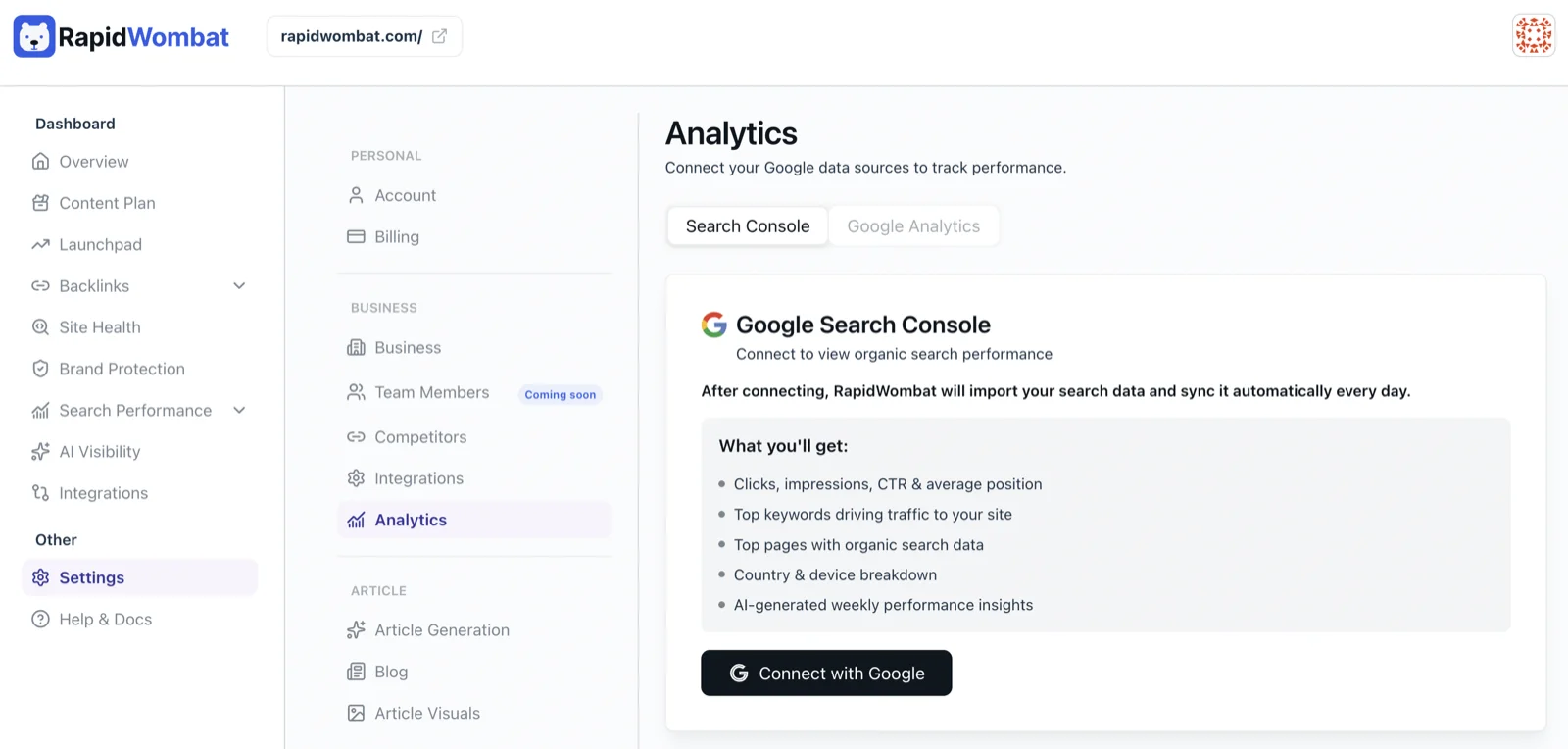
Search Console
Connecting Search Console unlocks the Search Performance dashboard: queries, clicks, impressions, and ranking positions. After you authorize, historical data backfills in the background — you'll see a progress indicator, then months of history.
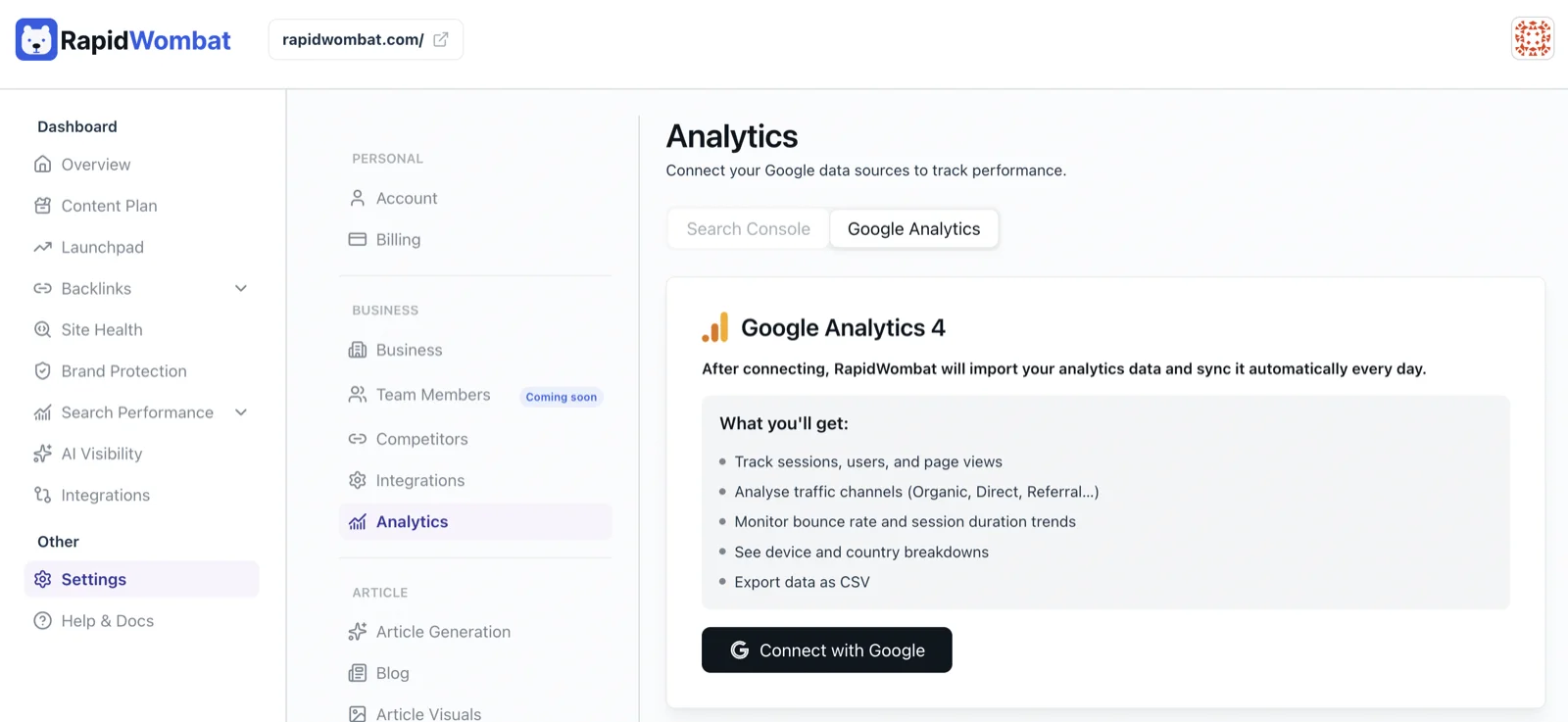
Google Analytics
Connecting Google Analytics unlocks the Google Analytics dashboard: sessions, users, traffic channels, bounce rate, device breakdown, and top pages — with CSV export.
Managing connections
Use Re-connect on either tab if a connection expires or you need to switch Google accounts, and disconnect any time. Connections are read-only — RapidWombat never changes anything in your Google account.
The Analytics settings and the Search Performance and Google Analytics dashboards are available on every plan.