

Settings
Competitors
Add and remove the competitor domains RapidWombat analyzes for content gaps.
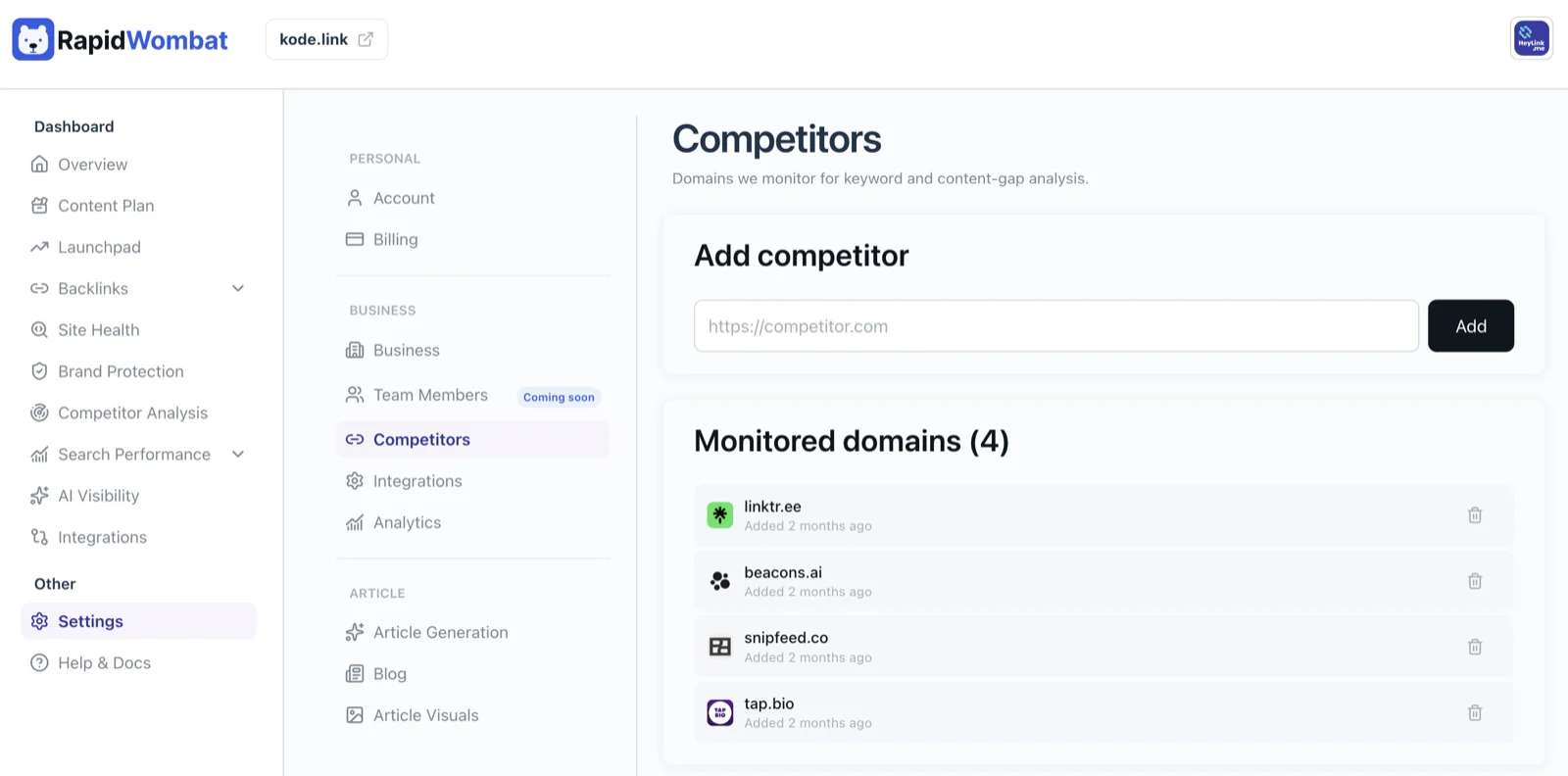
The Competitors page lists the competitor domains you're tracking and lets you add or remove them.
How RapidWombat uses competitors
For each competitor, RapidWombat looks at their public content, maps the topics they cover, and identifies gaps where you have room to win. Those gaps feed into the next round of article briefs.
New competitor entries show up in your next content plan refresh — not retroactively.
Adding a competitor
Paste the root domain (for example, competitor.com, not https://blog.competitor.com/post). Up to 3 competitors is the sweet spot — enough signal without diluting your focus.
Removing a competitor
Click the trash icon on any row. The competitor stops contributing to future content-gap analysis immediately.