

Settings
Article Generation
Tune article length, types, structured-data toggles, internal linking, and publishing cadence.
The Article Generation page is where you shape what RapidWombat writes.
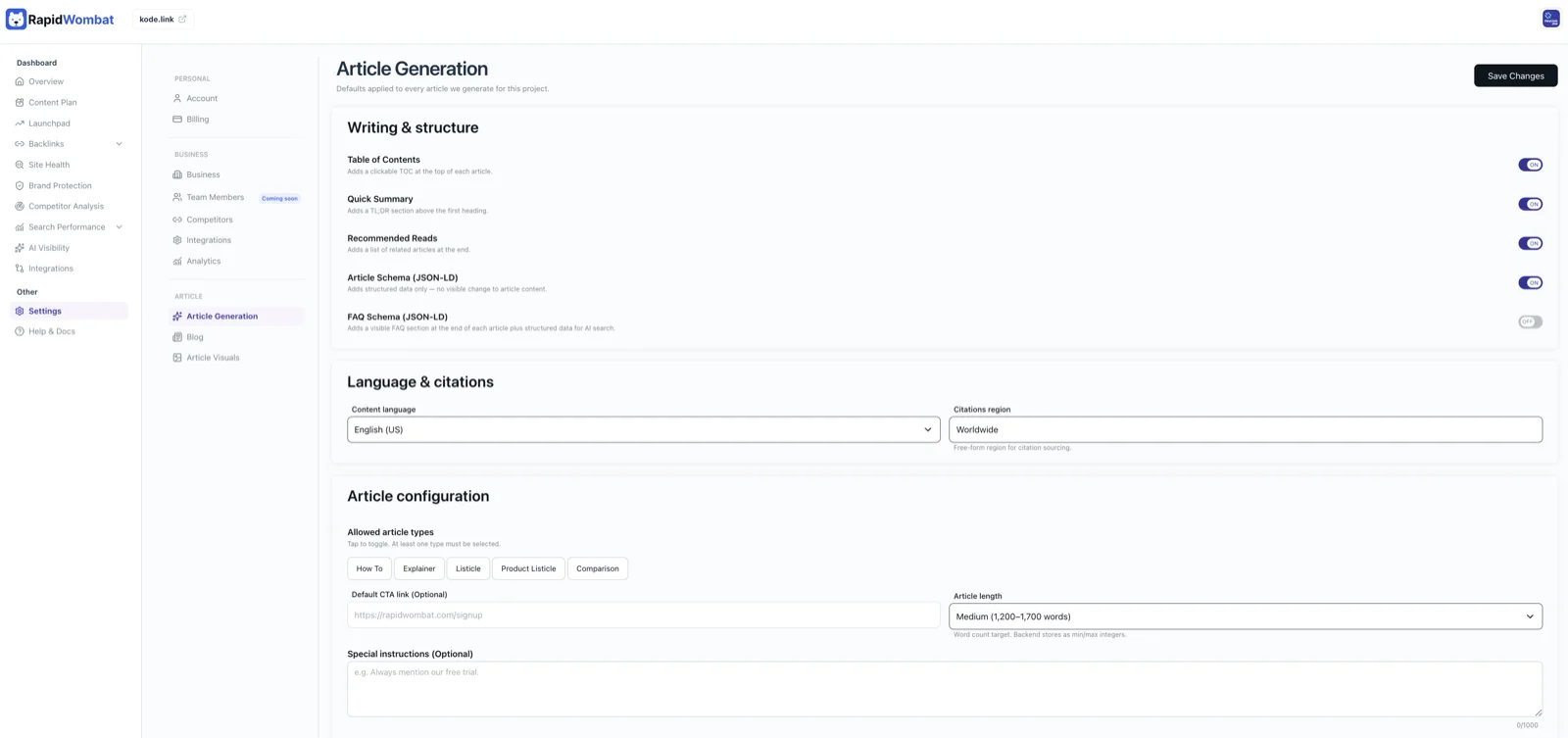
Article config
- Language — pick from the 38 supported languages
- Min words and max words — defaults to 1,200–1,700
- Article types — any subset of how-to guides, explainers, educational listicles, and product comparisons
- Special instructions — free-text prompt additions applied to every article
- Writing style URL — paste a URL of an article you like; RapidWombat uses it as a tone reference
Structure toggles
- Table of contents
- Quick summary at the top of the article
- "Recommended reads" block
SEO and AI search toggles
- Structured data for articles
- Structured data for FAQs
- Internal linking — RapidWombat connects related articles together automatically
Site structure
How articles are organized in your CMS — slug pattern, category mapping, and base path.
Publishing schedule
Pick the weekdays you want articles to publish on. RapidWombat distributes the calendar across those days to keep the cadence natural.