

Dashboard
Search Performance
Clicks, impressions, CTR, and position from Google Search Console — months of history, kept fresh daily.
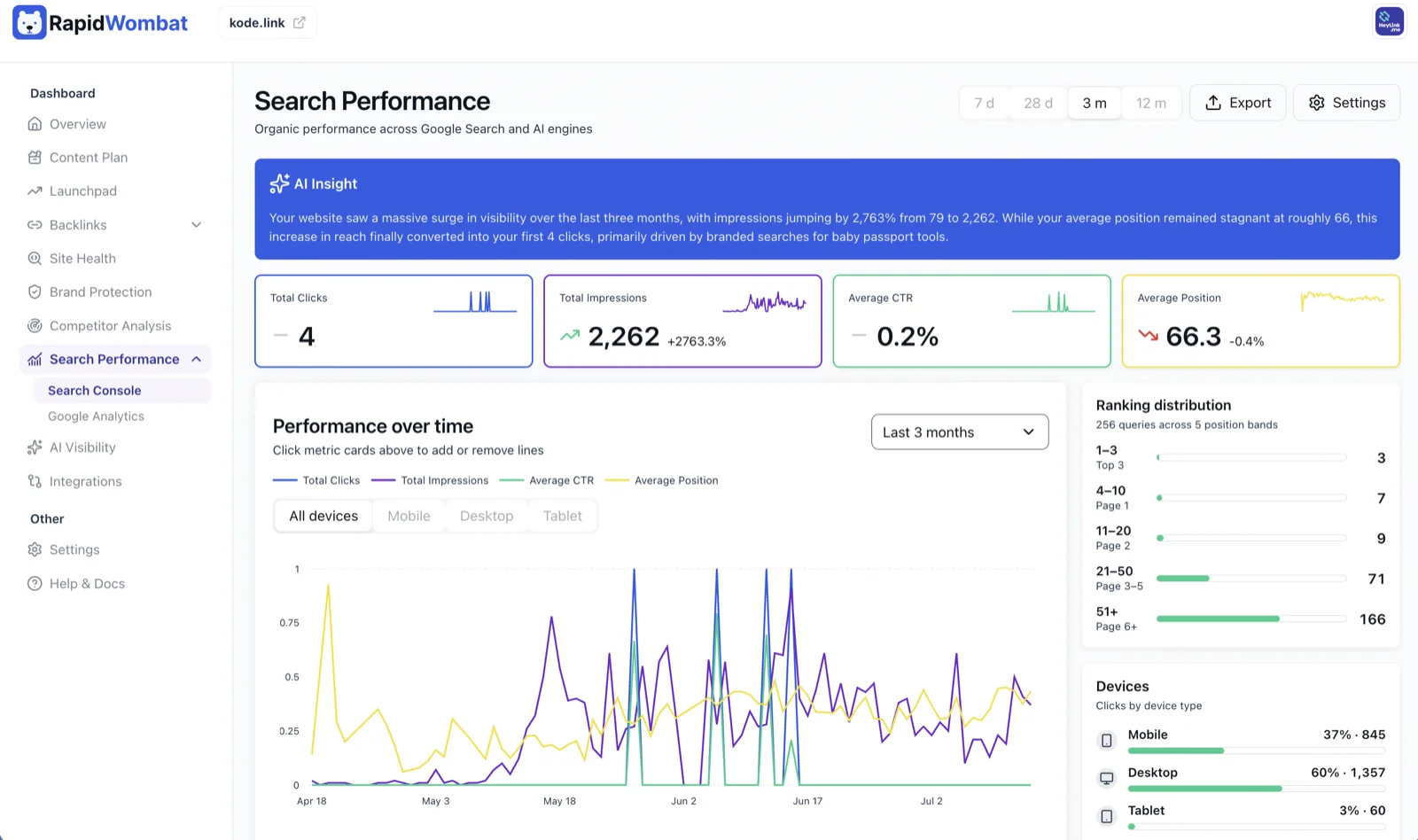
Search Performance is RapidWombat's Google Search Console integration. Connect it once and you'll see months of historical search performance in the dashboard, kept current with daily syncs.
Connecting
- Click Connect with Google on the Search Performance page, or under Search Console in Settings → Analytics.
- Authorize with the Google account that owns the property (read-only access).
- Your historical data backfills in the background — you'll see the progress on the page.
After the first backfill, RapidWombat syncs new data daily.
What's on the page
- Overview — total clicks, impressions, CTR, and average position
- Timeseries chart — clicks and impressions per day
- Top keywords — sorted by clicks or impressions
- Top pages — sorted by clicks or impressions
- Countries — geographic breakdown
- Export CSV — download the current view
Google Analytics too
Connect Google Analytics to see sessions, users, traffic channels, and top pages alongside your search data.
Disconnecting
Manage or disconnect either connection in Settings → Analytics, or revoke access from your Google account.